Settings
Two settings tune the numbers the rest of the app shows. They take a moment to set and make the Reclaim seats savings and inactivity flags match your organisation.
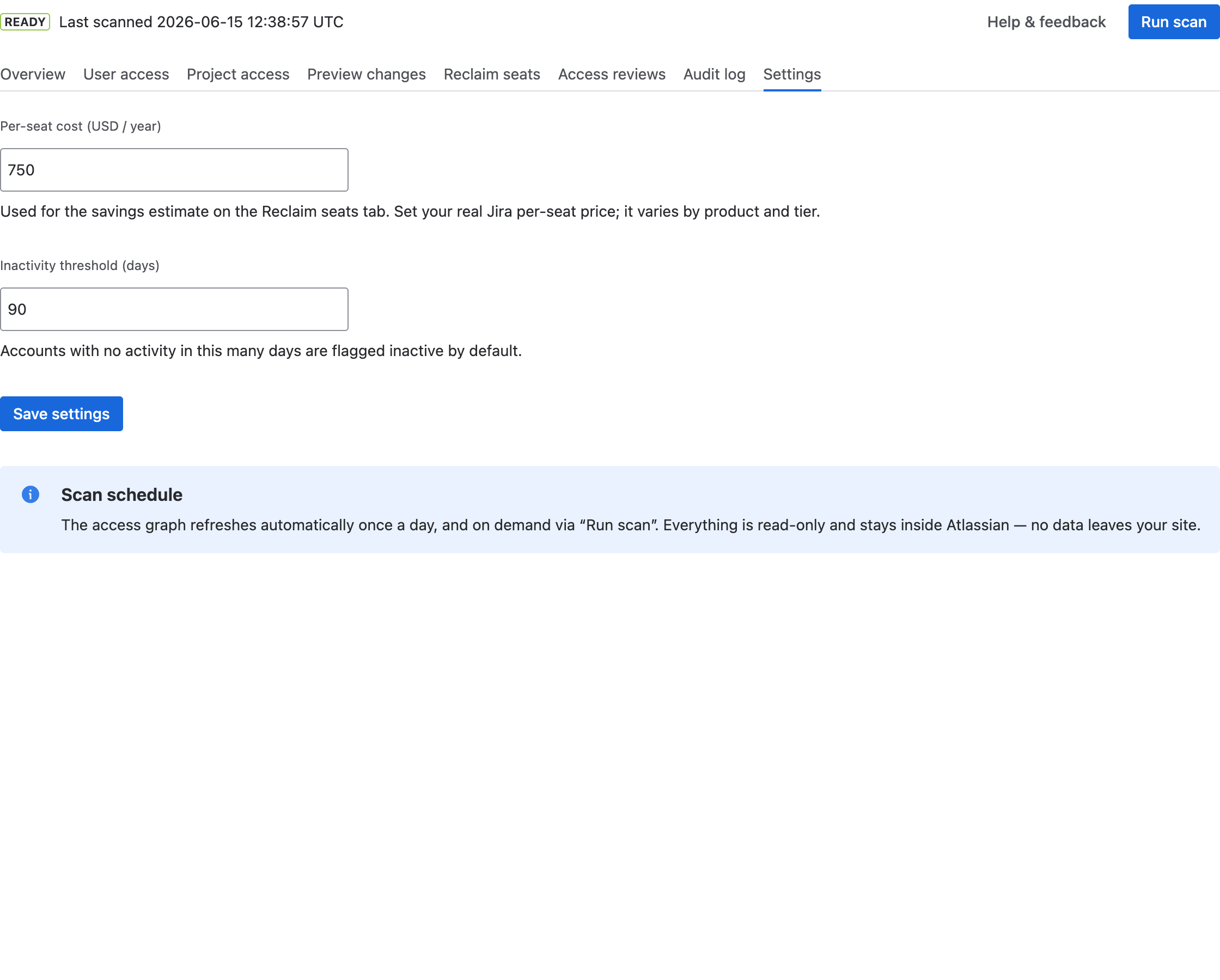
Set your real per-seat price and the inactivity window, then Save.
The two settings
- Per-seat cost (USD / year) — what your organisation pays for one Jira seat per year. It drives the savings estimate on Reclaim seats. Prices vary by product and tier, so set your real number for an accurate estimate.
- Inactivity threshold (days) — accounts with no activity for this many days are flagged inactive by default. This is the starting value on Reclaim seats (where you can also adjust it per look-up).
Select Save settings to apply. Both fields are validated — the per-seat cost must be a number of 0 or more, and the threshold a whole number of 1 or more.
Scan schedule & privacy
The access graph refreshes automatically once a day, and on demand whenever you select Run scan. Everything the app does is read-only by default and stays inside Atlassian — no data leaves your site.